Spaghetti Code Foundry user guide
Spaghetti Code Foundry runs flows: pipelines of steps that code, test, review and ship changes with AI coding agents on your own machine. Its main use: put one label on a GitHub issue, and the Foundry asks the open questions, plans, codes, tests, reviews and merges the story — and asks you only when it has to.
This guide walks through the web UI, writing your own flows, automating work from GitHub, choosing models, and keeping it all safe. How it is built is in DESIGN.md; what we learned building it is in LESSONS_LEARNED.md.
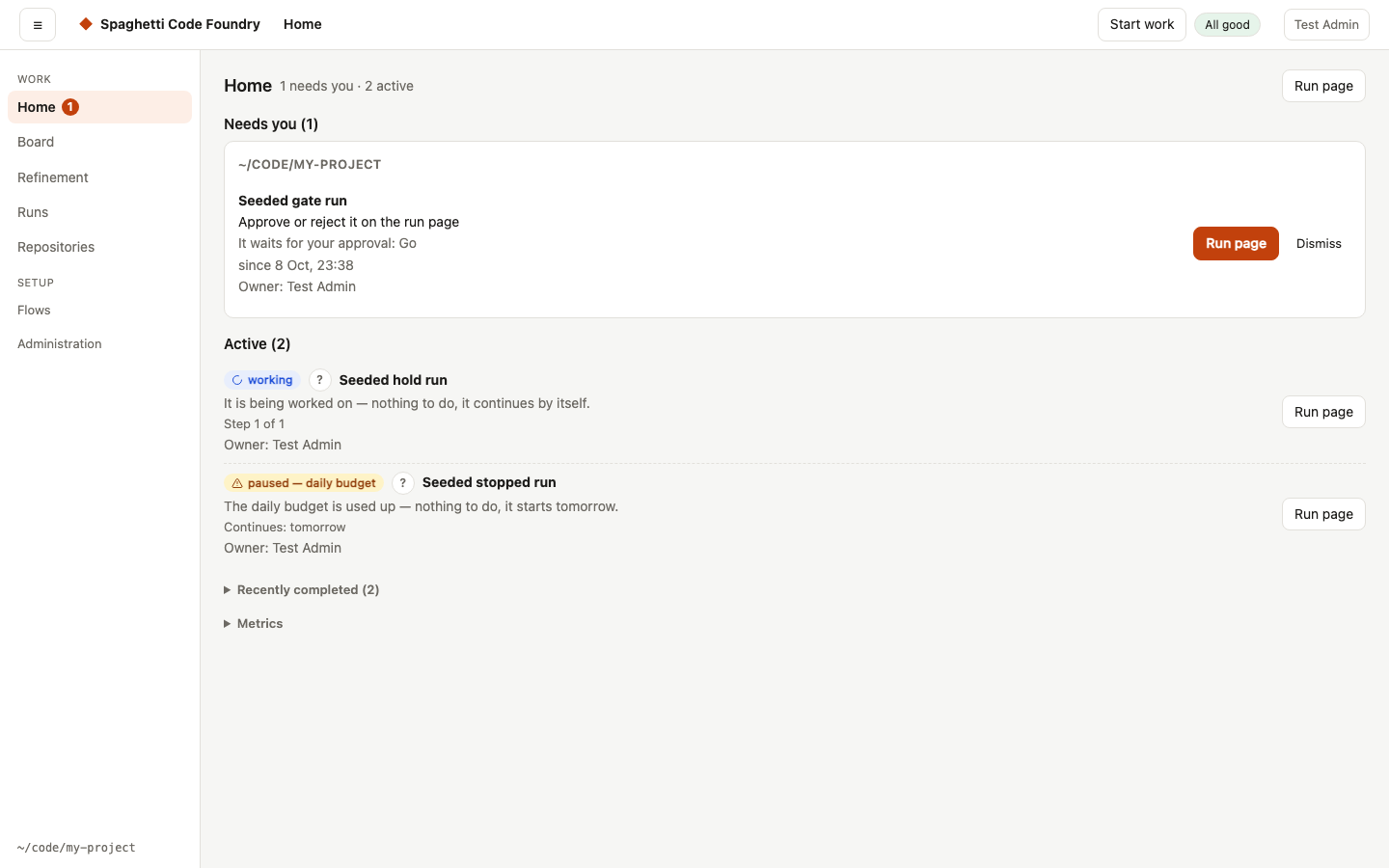
The pictures in this guide are made from test data: the repository acme/app, the accounts Test Admin and Ann, and runs named "Seeded … run".
Formerly claude-factory. The command is now scf (factory still works), the repository is MeloMar-IT/spaghetti-code-foundry and the data folder is ~/.spaghetti-code-foundry (see section 11). The <repo>/.claude-factory folder, the labels (claude-factory, factory:*) and factory/… branches keep the old name.
Chapters
- StartInstall it (see the README), then start the UI from the repository you want to work on:
- Run a flowPick a flow on the left, press ▶ Run, describe the task and start it.
- Follow, approve and resume runsHome is the first page. The top shows the counts (for example "2 need you · 1 active") and one button, the best next step: the first thing…
- Write your own flowsThe header always shows which flow you edit and its scope (builtin, repo, global or not saved yet), a text state (Saved or Unsaved…
- Models, agents and routingThe Models page on the demo machine, where the agents are stand-ins: on your machine the two coding agents show as installed.
- Automate with watchersA watcher checks GitHub on a schedule and starts runs by itself — as long as the Foundry is running (see Keep it running). GitHub access…
- Settings and safetySaving. Next to Save the page says "Saving…", then "Saved at …" or "Not saved.". A message also appears. Clean up in the Disk section asks…
- Costs, dashboard and evalsThe costs shown are estimates at API prices, as reported by Claude Code. Whether you pay them depends on how the agents are logged in:
- Command lineThe command is scf. factory still works as an alias and prints a short note.
- Troubleshootingforbidden host, HTTPS required or forbidden origin from another computer. forbidden host: add the name you typed to the allowed host…
- Upgrading from claude-factoryThe data folder is now ~/.spaghetti-code-foundry (or SCFHOME / FACTORYHOME if you set one). The .claude-factory/ folder inside each…
- RefinementRefinement is where a rough idea grows into a story before it goes to the backlog. The session keeps the idea, its state, a log, the…
- Self-repair (for admins)The Foundry can find problems of its own, write them up, fix them and check that the fix worked. This chapter is the overview; the details…
- Ask SCFAsk SCF is the help assistant inside the Foundry. You ask a question in your own words; it explains how the Foundry works, what your work…